Buying a Used Camera: Inspection Checklist — What to Check Before You Pay
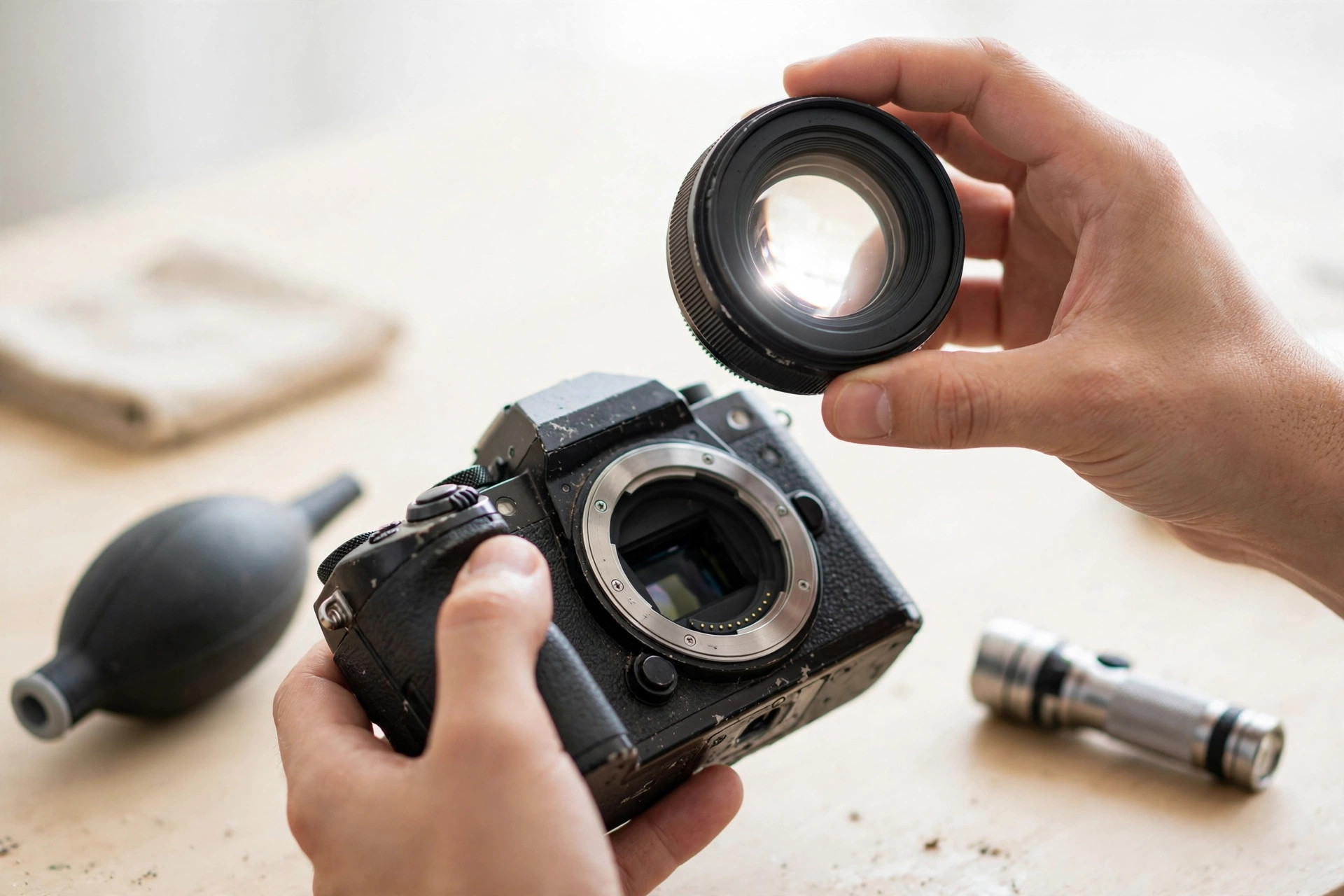
A used camera can be the smartest money you ever spend on photography — or a repair bill in disguise. The difference is almost always decided in the ten minutes before you pay. Here is the inspection checklist we actually use in our Changzhou shop, after 18 years of repairing cameras and buying used gear. Bring it with you and take your time: a good seller will let you check everything.
1. Start with the body: wear tells the truth
Hold the camera and look at it like a mechanic, not a fan. Check the corners and the bottom plate for dents and deep scratches — cosmetic scuffs are normal, dents are not. Look at the grip rubber: is it lifting or sticky? Check the hot shoe, the tripod socket, and every dial. Turn each dial through its full range; it should click firmly, not spin loosely. Open the battery and card doors: they should close with a clean snap, and the contacts inside should be clean, not corroded or bent.
2. Check the shutter count
The shutter count is the odometer of a camera. A low count does not guarantee a perfect camera, but a very high one means the shutter is nearer the end of its rated life. How to check the shutter count depends on the brand — some cameras show it in a menu or in the file data of a photo, others need a small utility or a shop to read it. If you cannot read it on the spot, take a test photo and check the file later, or ask the shop to read it before you commit. Treat any seller who refuses to let you check it as a warning sign.
3. Inspect the sensor — the part you cannot see in the listing photos
Stop the lens down to its smallest aperture, point it at a plain bright surface, and take a photo. Dust on the sensor shows up as dark spots; a scratch or a dead pixel is a different matter entirely. Loose dust can be dealt with by a professional sensor cleaning — a routine service, not a reason to walk away. Scratches, stains that will not move, or clusters of dead pixels are real damage, and they should change the price or end the deal.
4. Check the lens like you check the body
Hold the lens up to a light and look through it from both ends. You are looking for fungus — thin, spider-web-like threads on the glass — haze, and deep scratches. A few tiny dust specks inside a lens are normal and rarely affect photos. Fungus is not: it can etch the coating and spread, and proper cleaning means a full disassembly. Turn the focus and zoom rings; they should move smoothly, with even resistance and no grinding. Mount the lens, take a few shots at different apertures, and check that autofocus locks quickly.
5. Run a real shooting test, not just one photo
Put a memory card in and shoot as you normally would: close and distant subjects, bright and dim scenes. Check the screen and, if you can, zoom into the files afterwards. Test every mode you plan to use — single shot, continuous shooting, a few seconds of video. Try the flash once, test the Wi-Fi or Bluetooth if the camera has it, and confirm it writes files to the card without errors. A camera that works for one frame and fails on the tenth is exactly the fault a quick check misses.
6. Ask about history, accessories, and warranty
Ask straight questions: has the camera ever been dropped, repaired, or exposed to water? Why are they selling it? Is the original box, charger, battery, and strap included? Missing accessories add up — factor them into the price. And ask about the warranty. At our shop, used cameras come with a 3-month in-store warranty and a 15-day return for functional problems; wherever you buy, get the warranty terms in writing before you pay, not after.
Where to buy, and what to do after you buy
The safest place to buy a used camera is a real shop you can walk back into: you can handle the camera, ask questions, and find the seller again if something goes wrong. Online deals can be fine, but only when the seller is verifiable and the return policy is clear. After you buy, get the camera a professional sensor cleaning and general check, and keep your receipt and warranty terms somewhere safe.
If you are in Changzhou, bring a used camera you are considering — or one you just bought — to Luran Camera at 1-102, Yinhewan Computer City, Labor West Road, Tianning District. Call or message us on WeChat at 15961276059, open 9:00–24:00. We buy, sell, repair, and trade in used cameras and lenses, and a free on-the-spot evaluation costs you nothing.
Buying used? Get it checked before you pay
Free on-the-spot evaluation · Camera trade-in & buy-back · 3-month store warranty
📞 Call 159-6127-6059 💬 WeChat