Gimbal Buying Guide for Beginners: How to Pick Your First Stabilizer Without Overspending
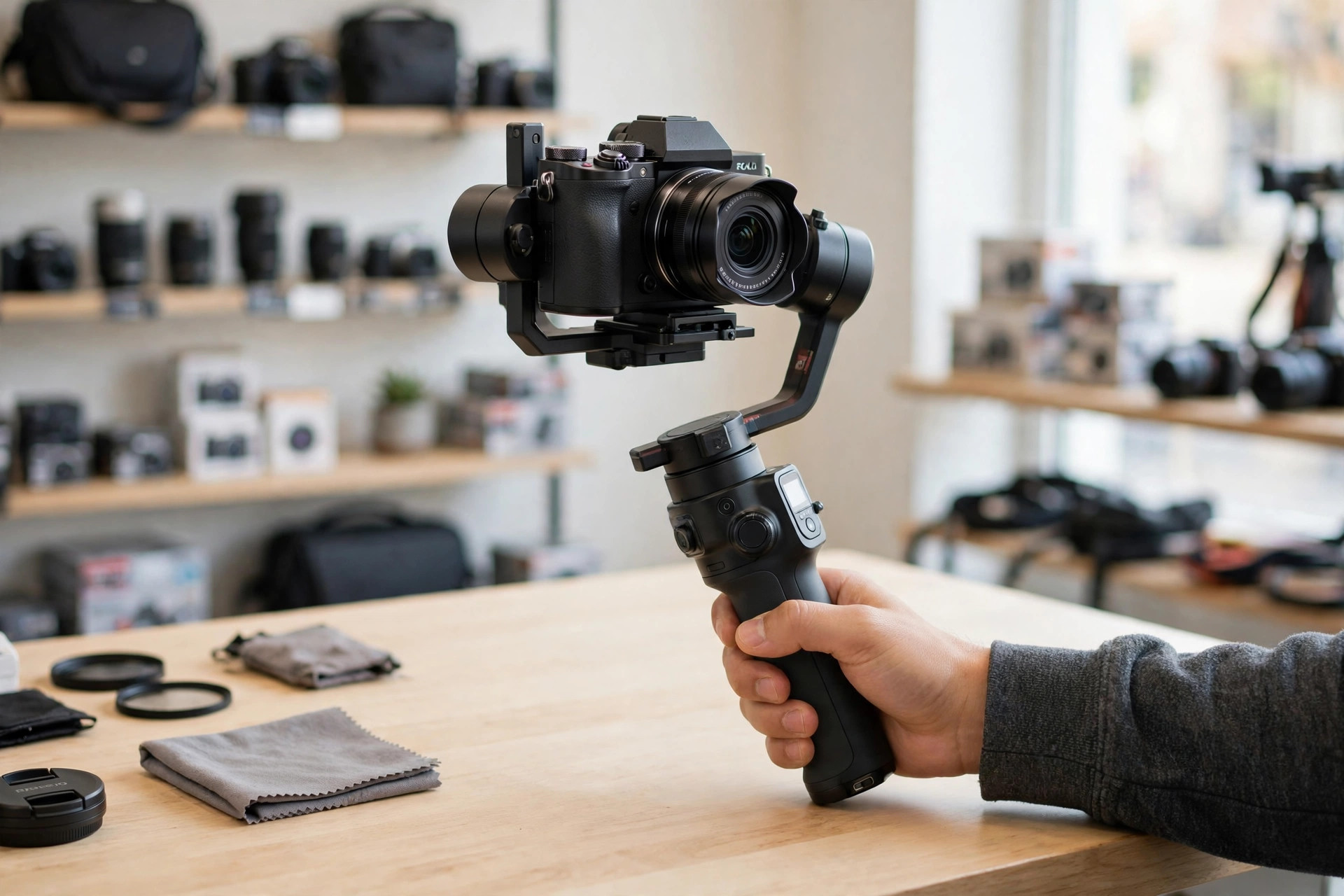
Your walking footage looks shaky, so you search for a gimbal — and immediately drown in payload charts, motor torque figures, and mode names. For a first gimbal, only a handful of decisions actually matter, and most of them are about the camera you already own, not the gimbal itself. This guide walks through those decisions in order.
What a gimbal actually does
A three-axis gimbal uses small motors to counteract the tilt, roll, and pan movements of your hand, keeping the camera level while you walk, climb stairs, or follow a moving subject. It does not replace good technique — sudden jerks will still show up — but it turns ordinary handheld walking into calm, level footage. That is the whole job; anything beyond smooth movement is a bonus.
The three kinds, and which one is yours
Start here, because buying the wrong category is the most expensive beginner mistake:
Payload: the one number you must get right
Payload is the maximum weight the gimbal can balance and stabilize. Add up your camera body, your heaviest lens, and any microphone or light you plan to mount, then leave a comfortable margin — a gimbal running at its absolute limit works harder, drains its battery faster, and is more likely to vibrate or drift. On the other hand, buying far more payload than you need means carrying a heavier, bulkier gimbal every time you shoot. Aim for the smallest model that comfortably covers your real setup, not your dream setup.
Battery life, weight, and modes — in that order
- Battery life: a gimbal that dies mid-shoot is useless, whatever its specs. Look for a full shooting day on one charge for your style of work, and check whether the battery is removable or built in — a spare battery is far cheaper than a second gimbal.
- Weight and folded size: the best gimbal is the one you actually take with you. If it is too heavy for a full day of walking, or too bulky for your bag, you will leave it at home. Hold one in a shop before you commit if you can.
- Shooting modes: beginners need three — a follow mode that tracks your panning, a lock mode that holds the camera still, and a selfie or 180-degree mode for facing the camera. Timelapse, sport, and vortex modes are fun later; they should not decide your first purchase.
What beginners can safely ignore
Marketing sheets love numbers that barely affect a first-time buyer: maximum motor torque, exact mechanical range on each axis, and the number of app features. What matters in real use is balance, battery, weight, and whether the controls fall naturally under your thumb.
A 10-minute checklist before you pay
- Balance your exact setup. Mount your camera and heaviest lens, balance each axis, and power on. The motors should hum quietly, not strain or vibrate.
- Walk with it. Walk a straight line, turn a corner, and climb a few steps. The horizon should stay level and the footage should feel calm, not robotic.
- Test the modes you will use. Switch between follow and lock mode. If you cannot find a mode without the manual, you will not find it in the field either.
- Check the mount and quick-release. The camera should lock firmly with no play, and you should be able to take it off and remount it quickly for stills.
- Look at the whole cost. Spare batteries, a carrying case, and a phone holder add up. Compare the delivered total, not just the headline price.
New, used, or trade-in?
If your budget is tight, a used gimbal in good condition can be excellent value — but check the motors for smooth, silent movement, the battery for swelling or very short runtime, and the joints for play or cracks from drops. If you own gear you no longer use, ask about a trade-in: swapping an unused body or lens toward a gimbal often costs less than buying outright. Whatever you choose, keep up regular sensor cleaning, lens cleaning, and a quick check of mounts and contacts before an important shoot.
Choosing your first gimbal? Get hands-on advice first
Luran Camera, Changzhou · 18 years of camera repair experience · Camera repair · Used camera trade-in · Sensor cleaning
📞 Call 159-6127-6059 💬 Contact us